
Disconnect Wardogs Guide
Wardogs Cheat Requirements for Windows PCs
Wardogs cheat requirements and Wardogs PC requirements are separate checks. Disconnect Wardogs External names Windows 10/11, Intel/AMD support and no USB required. The game also needs suitable memory, graphics and storage. Check both before purchasing access rather than assuming a supported processor brand is a complete hardware specification.
DisconnectCheats’s cheat compatibility covers Windows 10/11 and Intel/AMD according to the current product. Steam separately publishes the game’s minimum and recommended requirements. Meeting the game’s specifications does not automatically establish every cheat requirement.
Windows support for Wardogs and the cheat
Wardogs cheat requirements name Windows support separately from the game’s minimum and recommended hardware tiers.
For Wardogs Windows 11 support, it names Windows 11 in the recommended tier. Both game tiers require a 64-bit processor and 64-bit Windows. Contact DisconnectCheats if you need help with the particular Wardogs product.
DisconnectCheats names Windows 10 and 11 for its cheat. Check the current access instructions for any additional version requirements. A general operating-system name should not be treated as a promise about every update or unusual Windows installation.
See the Wardogs cheats guide for the full aimbot, ESP and radar feature overview.
Check the full Intel or AMD processor model
Wardogs cheat requirements name Intel and AMD support, while the game also needs a sufficient processor model. An Intel CPU from one generation is not interchangeable with every other Intel processor. The same applies to an AMD CPU.
Steam’s minimum game tier names Core i5-8600 or Ryzen 5 3500.
The recommended tier names Core i7-12700K or Ryzen 7 5700X. Read the complete model rather than stopping at Core i5 or Ryzen 5 when checking your PC specifications.
Wardogs RAM and free storage
The current Wardogs system requirements give 16 GB RAM and 50 GB storage space for both game tiers. Available storage means free space on the drive you will use, not the drive’s total advertised capacity.
Read Wardogs cheat requirements alongside your available memory, especially if you keep a recorder or browser open. Use the current product instructions for additional cheat requirements and leave enough free storage for normal game updates.
Check the graphics card separately from the CPU
The minimum graphics choices on Steam are GTX 1660 or Radeon RX 590.
The recommended choices are RTX 3070 or RX 6700 XT. These are the game’s published graphics requirements, not independent performance results produced by Disconnect.
Wardogs cheat requirements for processor support do not replace the game’s graphics requirement. Check the graphics card separately from the processor, and be careful not to confuse a laptop’s integrated graphics with the dedicated card you expect the game to use.
Read the resolution attached to the game requirements
Steam associates its minimum tier with a 1080p Low target using upscaling.
Its recommended tier describes 1440p Medium at native resolution or 4K Medium with upscaling.
Those conditions matter when interpreting the hardware tiers.
They are developer targets for the game, not a performance guarantee on your PC with every background application running. A recording application, another overlay and your selected resolution can change the workload. Check the game at your intended resolution before judging whether your PC is suitable for a recording session.
No USB required does not mean no PC requirements
Wardogs cheat requirements explicitly state that a USB device is not required. It does not mean the game needs no storage, the cheat has no installation requirements or every hardware configuration is supported.
Do not buy extra hardware based on a tutorial for a different cheat. Use the access instructions for the product you actually purchased. If those instructions and an old guide differ, resolve the discrepancy with support rather than mixing two installation procedures.
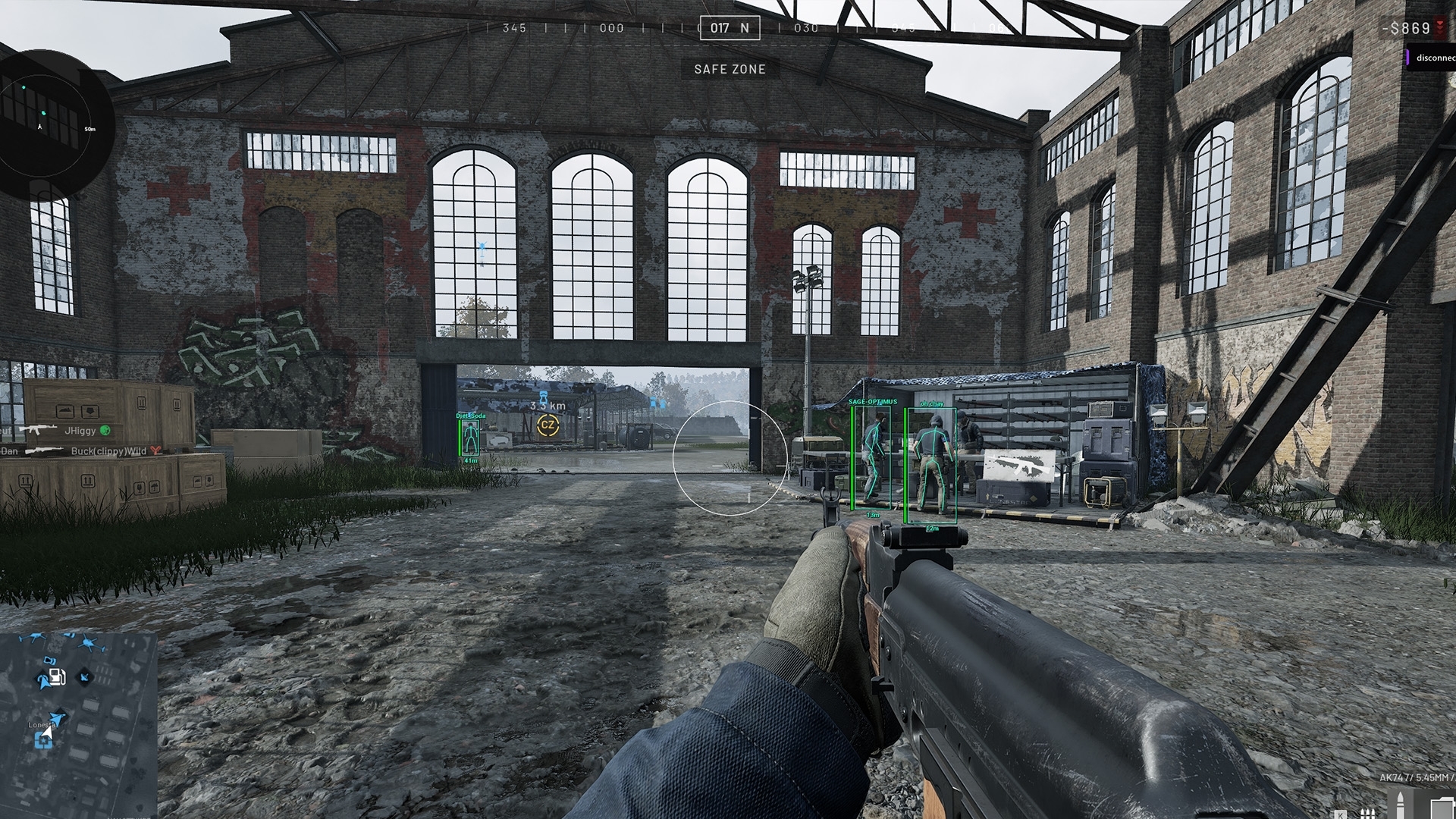
Match your PC to Wardogs External before buying
For Wardogs cheat requirements, identify your Windows version and processor, then check the game’s graphics, memory and storage needs. Then read the current Wardogs External requirements and access instructions. Those details identify the PC you actually intend to use.
Use the official Steam page for the current game specifications and the DisconnectCheats’ product for cheat compatibility. The main Wardogs cheats page connects those buying checks with the aimbot, ESP and radar features included in the product.
Read the PC specification as a complete system
Write down the full processor name rather than just the manufacturer. A recent model and an older model can share an Intel or AMD badge while offering very different performance. The game's named minimum models give you a more useful reference than a general statement that a processor family is supported by the cheat. Keep the game and cheat checks side by side.
Check the graphics card separately when reading Wardogs cheat requirements. A computer can have both integrated graphics and a dedicated card, so identify the one intended to run the game. The processor's brand does not establish the graphics hardware, and a larger amount of system memory does not replace a graphics requirement. Read the complete specification instead of selecting one impressive number.
Free space is different from the size printed on a drive. A drive advertised with ample capacity may already be mostly occupied by other games and recordings. Check the room available for the installation you intend to use, then allow for normal updates and saved files. The published game requirement describes the game, not every application you might keep beside it.
A laptop and a desktop can use similar product names without having identical power or cooling behaviour. The exact components and the game's conditions matter more than a loose comparison with somebody else's machine. Avoid treating a short gameplay clip as a performance benchmark for your own PC.
Match Wardogs resolution to the published game tier
Read the image-quality conditions alongside the graphics card. A target using upscaling is not the same workload as the same output resolution rendered natively. Minimum and recommended tiers answer different expectations. They are not two ways of promising the highest resolution and frame rate on every system.
Use your intended screen resolution when deciding whether the game runs acceptably. A game that is comfortable at a lower resolution can place more demand on the same hardware at a higher one. Keep the quality choices attached to any performance comparison rather than discussing the graphics card as though the workload never changes.
Recording adds another application to the same PC. A browser, voice application and recorder can all use resources while the game is open. The effect depends on your setup, so a requirement table cannot provide an exact result for every combination. Check ordinary game performance at the workload you actually plan to use.
The game’s table is not a performance benchmark for Wardogs cheat requirements. The cheat's stated operating environment and the game's published performance targets are different kinds of information. Both can matter to your decision, but one should not be quoted as a measured result for the other.
Resolve compatibility before choosing a cheat subscription
A useful Wardogs cheat requirements question includes the Windows version, complete processor name and intended game. That gives support something specific to answer. A message saying only that the computer is powerful leaves the relevant details missing, even if the computer runs unrelated games well.
Keep ordinary hardware information separate from access credentials. You can describe the system without posting a subscription key, account password or order screen containing personal details. If support needs additional diagnostics, use the provider's legitimate support conversation rather than adding private information to a public forum image.
Use the current access instructions for Wardogs cheat requirements rather than an old guide for another product. Follow the instructions attached to the exact cheat you purchased and resolve a contradiction before changing the system. Do not combine several unrelated guides into an installation procedure merely because each one mentions the same processor manufacturer.
Once the compatibility question is answered, choose the access period for the time you actually expect to use. Paying for a longer period does not make an unsupported system compatible. The hardware check comes first, followed by the features and access terms that fit your plans.
Keep the PC details you actually checked
Save the relevant component names with your compatibility question. A later answer about a different graphics card or Windows version may not describe your own machine. Having the full specification available also makes it easier to recognise whether a system change has altered the question you originally asked.
Check the game installation as well as the advertised hardware. A missing or damaged game component is not diagnosed by reading the processor badge. Use the game's official guidance for a game fault and the product's legitimate access instructions for the cheat, keeping those two support subjects separate.
Questions about Wardogs PC requirements
Does Wardogs External support Windows 10 and 11?
The current Disconnect product names Windows 10/11 support. Check the current access instructions for any additional requirements.
How much RAM does Wardogs require?
Steam currently lists 16 GB RAM for both the minimum and recommended game tiers. This is not a separate published cheat memory requirement.
Does the cheat require a USB device?
The current product states no USB required. Other PC and access requirements still apply.
Do the game requirements guarantee cheat compatibility?
No. The game specifications and the cheat’s compatibility requirements must be checked separately.
Related Wardogs cheat guides
How to Choose a Wardogs Cheat Subscription
Why Your Wardogs Aimbot Is Not Working
External Wardogs cheats explained
Official Wardogs PC requirements
Wardogs External product and access periods · Current Wardogs cheat status