
Disconnect Wardogs Guide
Wardogs Silent Aim vs Aimbot
Wardogs silent aim and a standard aimbot affect aiming differently. Standard aimbot moves your aim towards a selected target. Silent aim generally changes shot targeting without the same visible crosshair movement. Disconnect Wardogs External includes both, so the useful question is which behaviour you want and how to distinguish it from the other aiming controls.
Wardogs External includes Silent Aimbot alongside standard aimbot. Choose the aiming mode first, then review its target selection and movement controls. Keep prediction, smoothing and recoil adjustment as distinct choices.
What silent aim changes in Wardogs
Silent aim vs aimbot is a question about how aiming is applied. With an ordinary aimbot, you can see the aim move towards the selected body point. Silent aim is commonly used for shot-direction correction that does not require that same visible movement. Neither description means a shot ignores every restriction in the game.
Disconnect includes Wardogs silent aimbot in Wardogs External. Choose it when you want that aiming behaviour, then check the controls available in the active mode. A shot can still miss; judge target selection and the shot result together.
See the Wardogs cheats guide for the full aimbot, ESP and radar feature overview.
Separate target selection from crosshair movement
Target selection decides which player and body point qualify. Crosshair movement describes what happens to your visible aim. Those are different stages. A quiet crosshair does not, by itself, tell you which opponent the cheat selected or why a shot missed.
Disconnect names head, chest and pelvis as target bones. Head targeting, chest targeting and pelvis targeting refer to different points on the player. Check the active aiming mode before assuming a bone selection changes every aiming feature in the same way.
Understand prediction and smoothing before switching modes
Aimbot prediction accounts for a moving target when calculating the aim point. Aimbot smoothing changes how gradually ordinary aim moves towards that point. More smoothing is not another name for silent aim, and prediction is not a promise that the enemy will keep moving in the same direction.
If you switch from ordinary aim to Silent Aimbot, keep a copy of your previous config. Review the active mode and its available controls before changing several values. A saved ordinary-aim configuration is a reference, not proof that its values translate directly to another aiming mode.
Check FOV and distance as separate limits
Aimbot FOV describes a targeting area. Maximum aim distance concerns range across the battlefield. A nearby opponent can fall outside the FOV, while a distant opponent can sit near your crosshair and still exceed the distance limit.
Dynamic FOV and aimbot deadzone also appear in the product menu. Their names do not establish a shared numerical scale or an exact formula for silent aim. Read the active controls and avoid copying percentages from another cheat as though both products calculate them identically.
Read Visible Check and Lock Target correctly
Visible Check concerns the cheat’s visibility test. Lock Target concerns retaining a selected target. Neither name promises that every visible player qualifies or that a locked target remains eligible regardless of range and cover.
The Target Line is an on-screen reference, separate from the shot itself. Use it to understand the aiming display where available. A line on an opponent is not a guarantee of a hit, just as an ESP box is not proof that the aiming mode selected that opponent.
Choose the aiming behaviour you need
If you want to see ordinary tracking and understand its movement, begin with the standard Wardogs aimbot and its relevant controls. If you are choosing silent aim, judge the shot-targeting behaviour separately. Changing between the two should be a deliberate choice, not the result of importing an unfamiliar config.
Keep recoil adjustment separate while assessing aiming. Weapon kick, target motion and aiming mode can each affect what you see. Changing all three together makes it harder to identify which change produced the result you wanted.
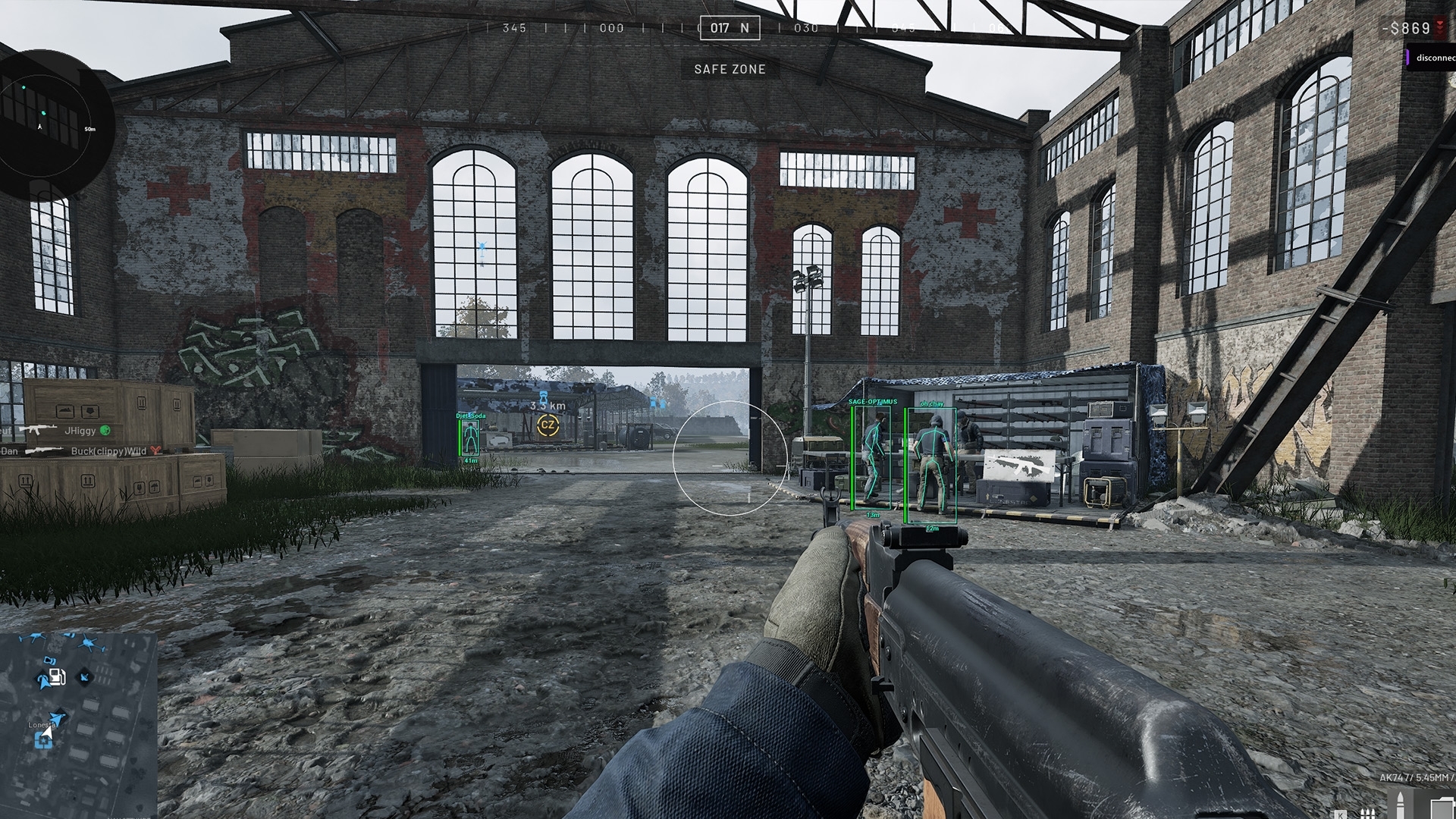
Check Wardogs External before choosing access
Open the current product to review the aiming features and subscription periods. Use the main Wardogs cheats page for the wider aimbot, ESP and radar overview. This guide answers the silent-aim decision rather than replacing the complete product description.
Silent aim does not mean undetected aim. The appearance of your crosshair does not establish what an anti-cheat can detect. Check the live product status and treat account risk separately from how an aiming mode looks in a recording.
Questions about Wardogs silent aim
Does Disconnect include Wardogs silent aim?
Yes. The current Wardogs External product includes Silent Aimbot alongside standard aimbot.
Is silent aim the same as smoothing?
No. Smoothing changes ordinary aiming movement. Silent aim refers to a different way of applying shot targeting.
Does silent aim guarantee hits through walls?
No. The product does not establish unrestricted wall penetration or hits that never miss.
Do all ordinary aimbot controls also affect silent aim?
The public product does not specify that every control is shared. Check the active mode and its controls rather than assuming identical behaviour.
More Wardogs guides
How Recoil Control Works in Wardogs Cheats
Why Your Wardogs Aimbot Is Not Working
Wardogs External product and access periods · Current Wardogs cheat status